Customers often send print files that are not ready to print. wp2print pre-flight testing checks every file your customers upload and detects these problems before the job reaches production.
wp2print goes one step further: it can also fix the problems it finds, at the touch of a button. No re-opening the file in design software, and no waiting for the customer to send a corrected version.
wp2print can fix two of the most common artwork problems:
- Low-resolution images: wp2print uses AI to upscale them to a resolution that prints correctly.
- Missing bleed and crop marks: wp2print adds bleed and crop marks to PDF files, and extends colored areas at the edge of the page into the bleed.
Upscale low-resolution images with AI
Images pulled from a website or a phone screenshot often have too few pixels for print. Printed at full size, they come out blurry or pixelated.
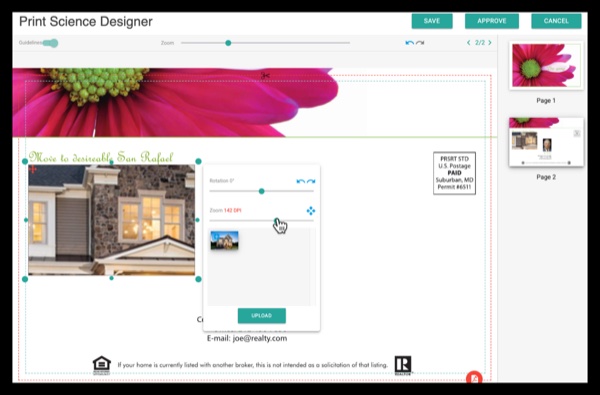
When preflight flags a low-resolution image, wp2print can use AI to upscale it to a higher resolution that will print correctly. The AI adds real detail instead of simply enlarging the pixels, so edges stay sharp and text stays readable.
The video at left shows a low-resolution image being detected and fixed with one click.
Add bleed and crop marks
Many customers send PDF files sized exactly to the finished trim size, with no bleed and no crop marks. If the design has color running to the edge of the page, trimming can leave thin white slivers along the edges.
wp2print fixes this automatically:
- Adds a bleed area around the page
- Adds crop marks to show where the sheet is trimmed
- Extends colored zones at the edge of the page into the bleed area, so the color runs past the trim line
The video at right shows a PDF without bleed being fixed with one click.